 Cal
CalSnap your meal.
Copy a plan.
Share the win.
QCal combines AI-assisted food logging, creator meal plans, and Instagram-style food sharing — all in one clean mobile app.


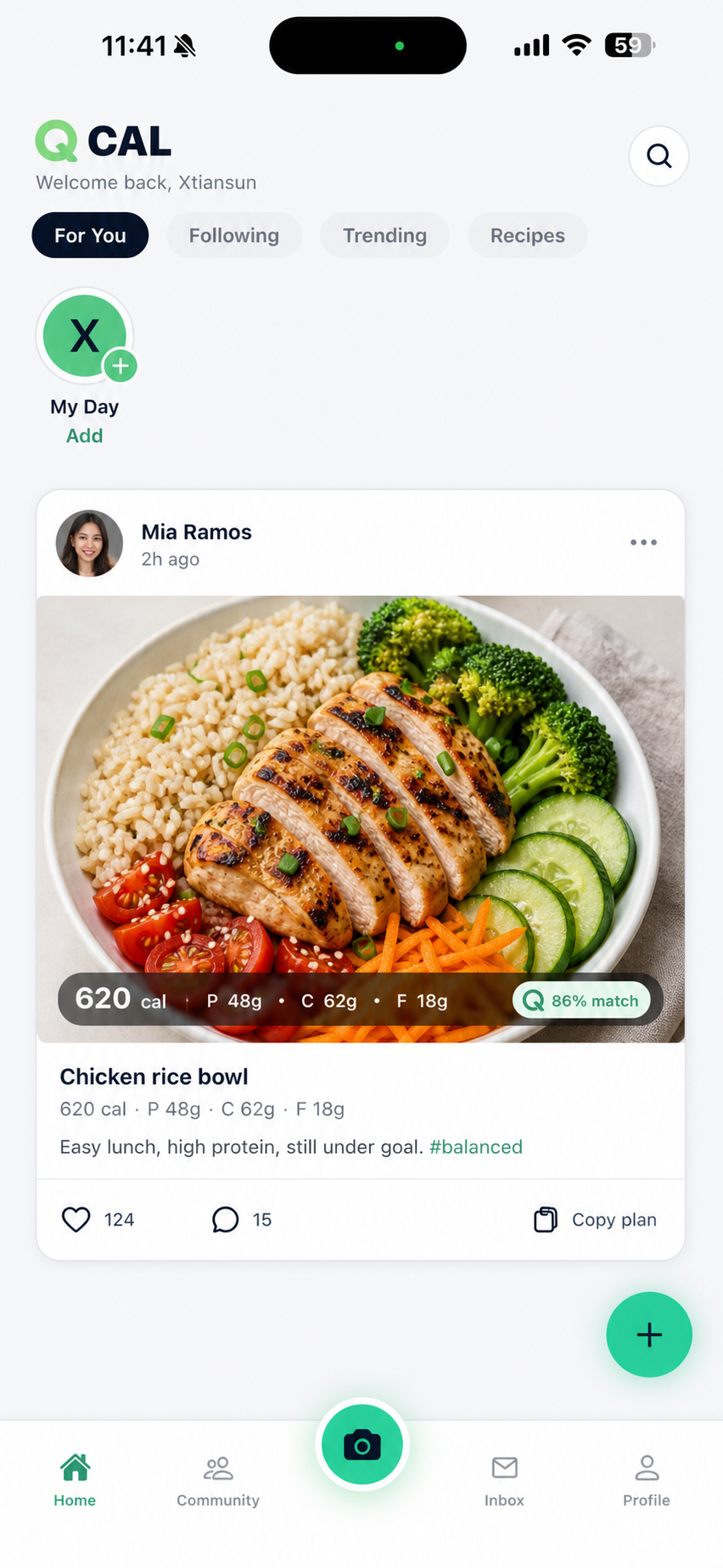

A calorie tracker that feels like a feed.
Snap a meal, get macros, copy what works, and follow people whose eating habits inspire yours.
AI meal scanning
Take a photo of your plate and QCal estimates calories, protein, carbs, and fats. Adjust portions before you log.
Copy creator meal plans
See a meal or full plan you like? Copy it straight into your diary across breakfast, lunch, dinner, and snacks.
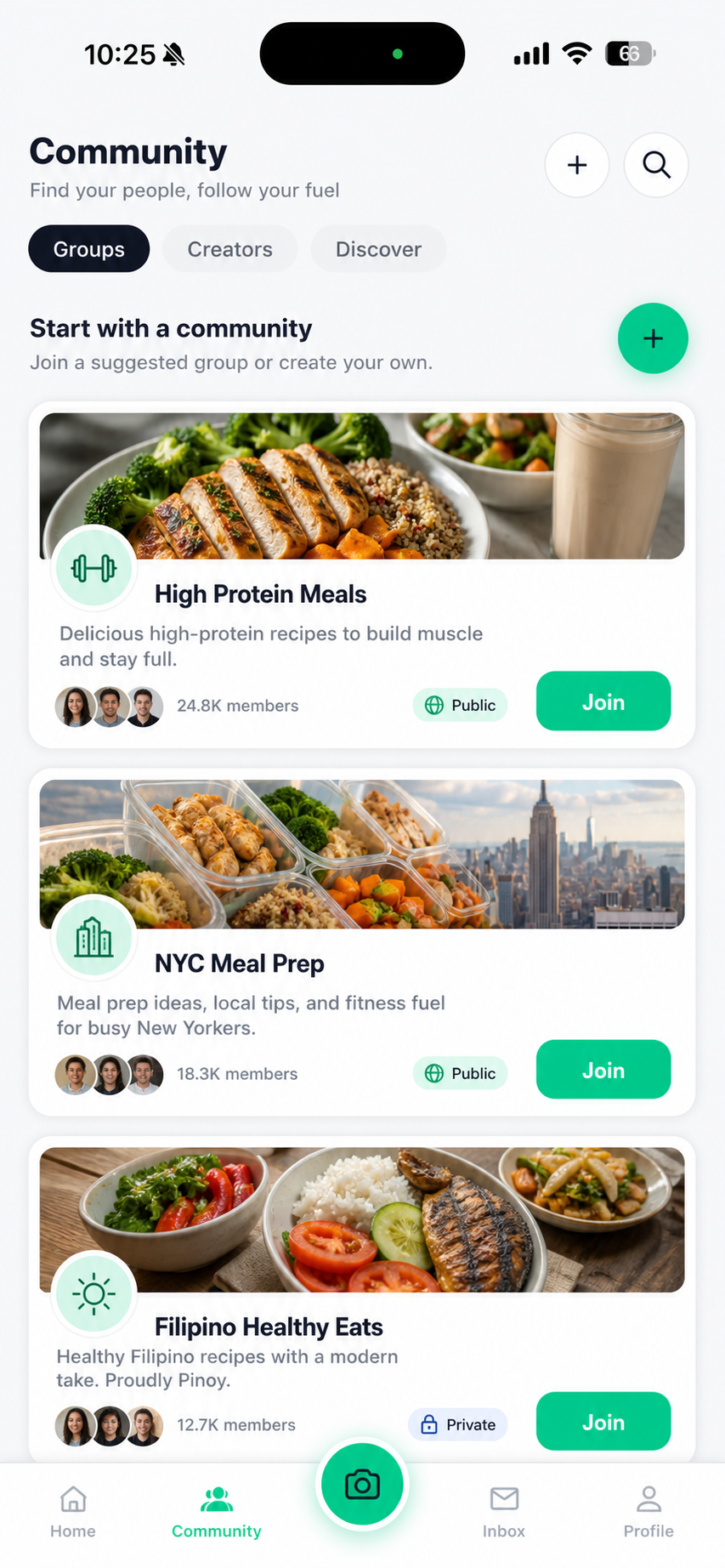
Communities & creators
Join groups like High Protein Meals or NYC Meal Prep. Follow creators, react to posts, share your own.
Daily log, simple
Track meals by time of day, build streaks, and watch trends without spreadsheets or guesswork.
The QCal loop
Discover, copy, eat, share. Repeat.
Discover
Browse the For You feed, follow creators, and find meals that match your goals.
Copy & log
Copy a meal or full plan into your diary, or snap your own and let the AI handle the macros.
Share
Post to your feed or My Day. Build communities around how you actually eat.
Eat better. Together.
Download QCal and turn every meal into one tap toward your goal.
Quick answers
Is QCal free?
Yes. The free plan includes daily meal logging, basic AI scans, food posts, and joining communities. Premium unlocks more scans, history, and insights — see the Pricing page.
How accurate are the AI scans?
QCal's vision model estimates portions and macros from your photo. You can always edit a log before saving — treat estimates as a smart starting point, not medical advice.
Can I copy other people's meal plans?
Yes — that's the core idea. Copy a meal or full plan from a creator into your own diary by meal type, then adjust.
Who can see my meals?
You control what's public, what's friends-only, and what stays private. See the Privacy Policy for details.
How do I delete my account?
From the in-app Settings, or by request at our Account Deletion page.
Still have questions? Contact support